Prepare for the German citizenship test – calmly, for free
Bürgerweg walks you step by step to passing the Einbürgerungstest: every question for your federal state, a realistic exam simulator in German with a translation one tap away, and flashcards for spare moments.
Questions from the official BAMF catalog (as of 7 May 2025) · English & German · Open source
- 33questions in the test
- 60minutes
- 17correct to pass
- 310questions for you to practise
Everything you need for the test
No stress, no ads, no account. Just you, the questions and a clear path to your goal.
Just like the real test – in German
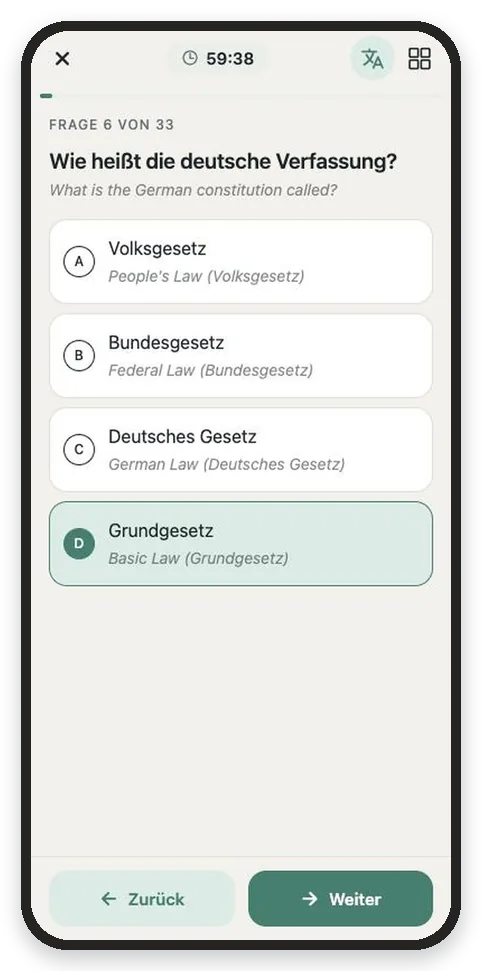
33 questions, 60 minutes, pass with 17 correct answers. Exactly like exam day, including the 3 questions about your federal state.
- Translation on demand, small and quiet under the original text
- Overview of all questions, timer and an honest review
- All picture questions from the official catalog
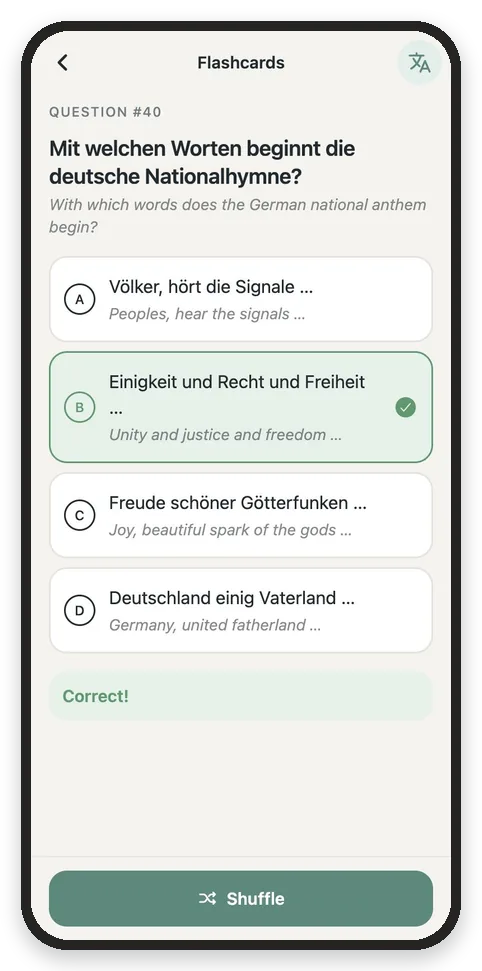
Quick reminders whenever you have a minute
One random question, four answers, instant feedback. Tap “Shuffle” for the next one – perfect for the train or a coffee break.
See how far you’ve come
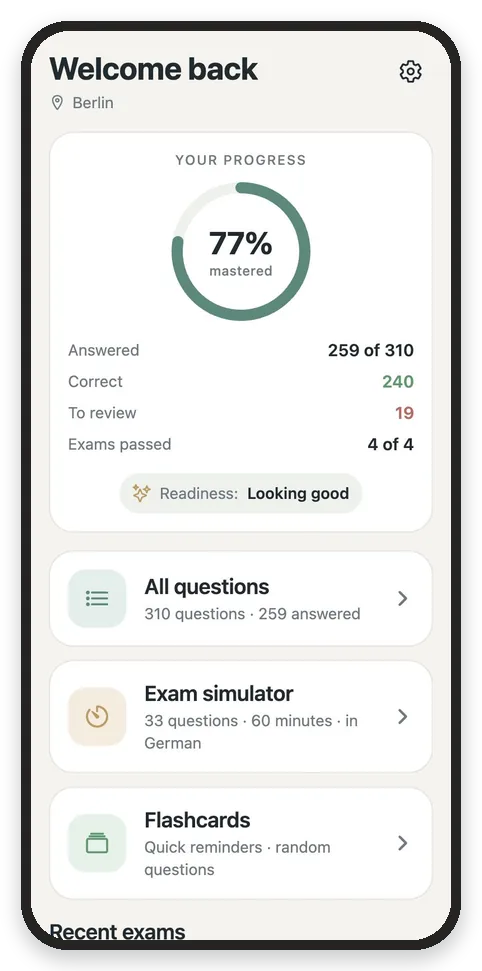
All 300 general questions plus the 10 for your federal state, with search and filters: new, answered wrong, starred. Your progress shows when you’re ready.
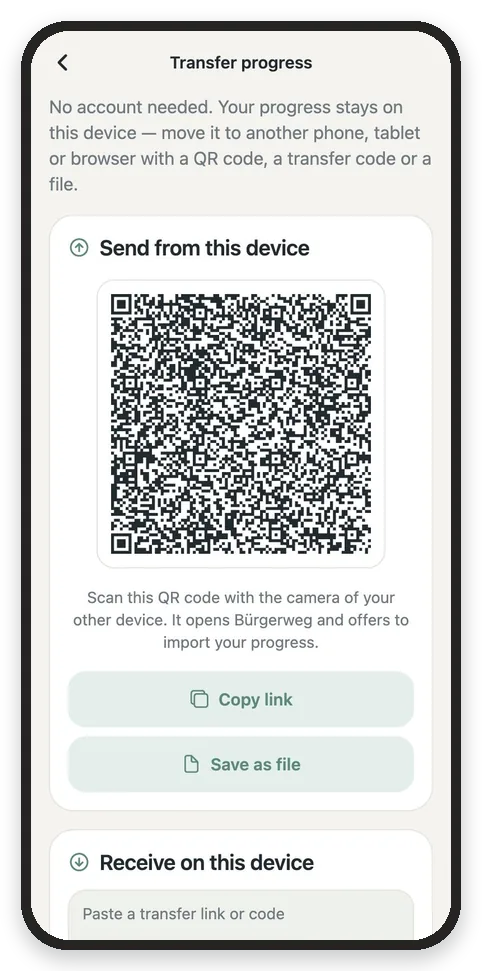
Your progress belongs to you
Everything stays on your device. To switch between phone, tablet and computer, just scan a QR code with your camera – no sign-up, no server, no tracking.
On every device
Learn in your browser, install it as an app, or get it for Android – your choice.
Android app
Free on F-Droid, no Google account needed.
Coming soonHow to install Bürgerweg as an app
Open Bürgerweg in your browser, then:
iPhone & iPad
- Safari
- Share → Add to Home Screen
- Chrome
- Share (in the address bar) → Add to Home Screen
- Edge
- Menu ⋯ → Share → Add to Home Screen
- Firefox
- Menu ☰ → Share → Add to Home Screen
Browsers other than Safari need iOS 16.4 or later.
Android
- Chrome
- Menu ⋮ → Add to Home screen → Install
- Samsung Internet
- Menu ☰ → Add page to → Home screen
- Firefox
- Menu ⋮ → Add app to Home screen
- Edge
- Menu ⋯ → Add to phone
Computer
- Chrome
- Install icon in the address bar → Install
- Edge
- “App available” icon in the address bar → Install
- Safari (Mac)
- File → Add to Dock
- Firefox
- Can’t install apps yet – bookmark the page instead
Installed, Bürgerweg gets its own icon, opens in its own window and works offline. Your progress stays on the device.
Frequently asked questions
How many questions does the German citizenship test have?
The test has 33 questions: 30 from the general catalog of 300 questions and 3 about your federal state. You have 60 minutes.
How many answers do I need to get right?
You pass the Einbürgerungstest with at least 17 correct answers out of 33.
Is the test in German?
Yes, the real test is in German. Bürgerweg’s exam simulator is in German too, with an optional translation shown below each question and answer.
Is Bürgerweg free?
Yes. Bürgerweg is free, has no ads and needs no account. The source code is open.
Does Bürgerweg work offline?
Yes. After the first visit the web app works without internet, and you can install it like an app on your phone, tablet or computer.
Is Bürgerweg an official BAMF app?
No. Bürgerweg is an independent open-source project. The questions come from the public BAMF question catalog (as of 7 May 2025); translations are unofficial. For binding information, please refer to the BAMF.
Your path starts here
Pick your federal state and begin – in less than a minute.